$399.00Original price was: $399.00.$299.00Current price is: $299.00.
X1100 TAB
Description
Shipping
Warranty
Driver
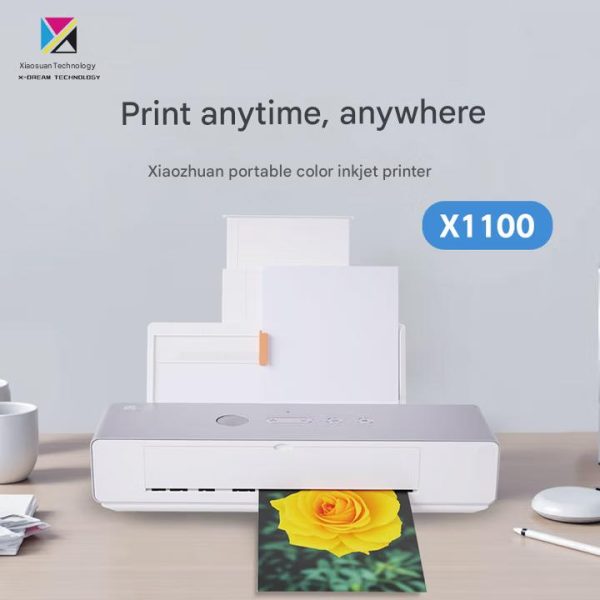
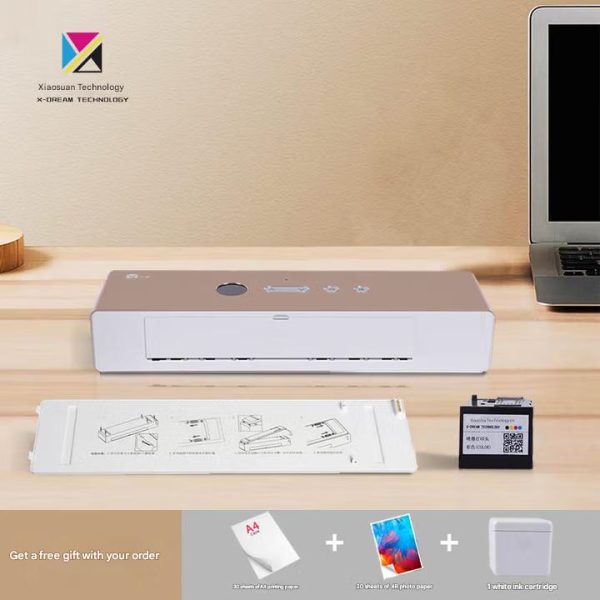
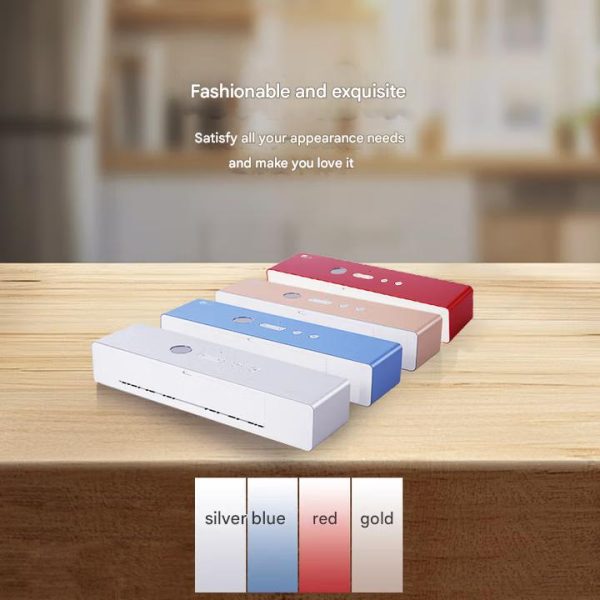
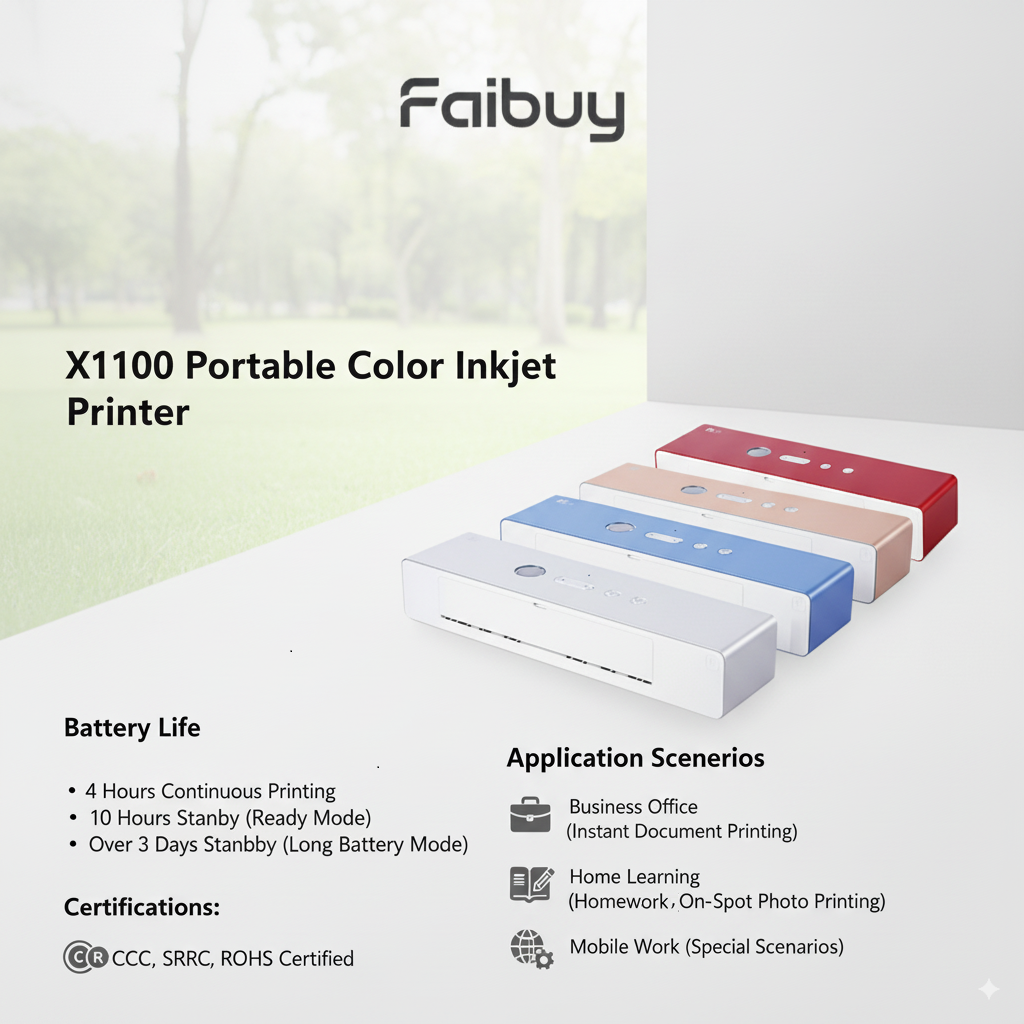
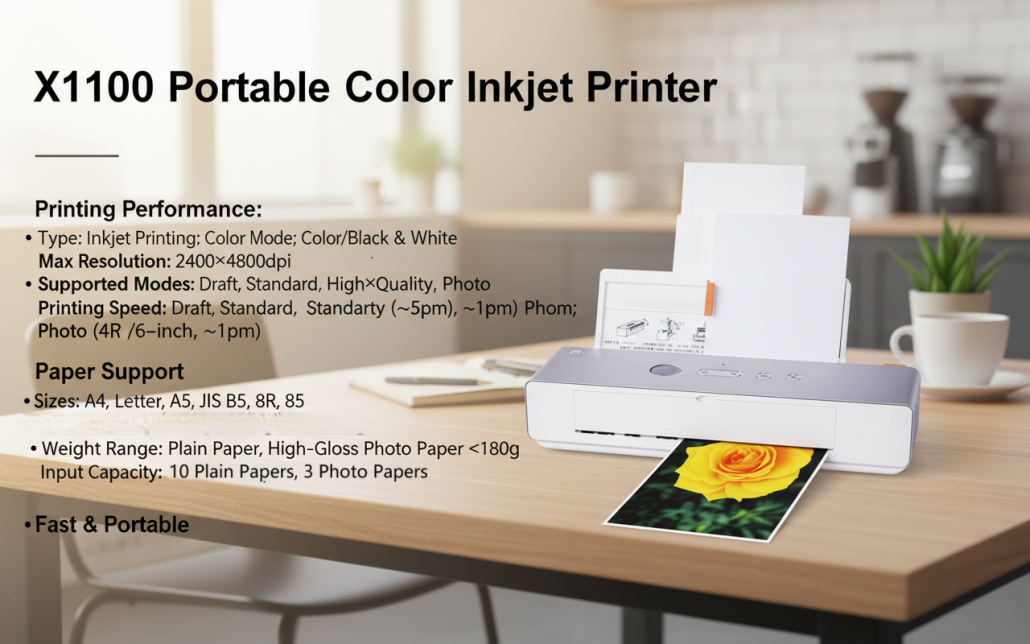
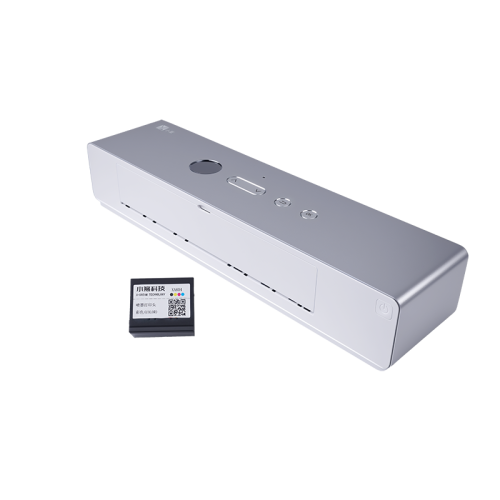
This product is a high-performance, user-friendly device tailored for diverse scenarios. It boasts a sleek, portable design for easy mobility, paired with advanced core functions to meet professional needs.
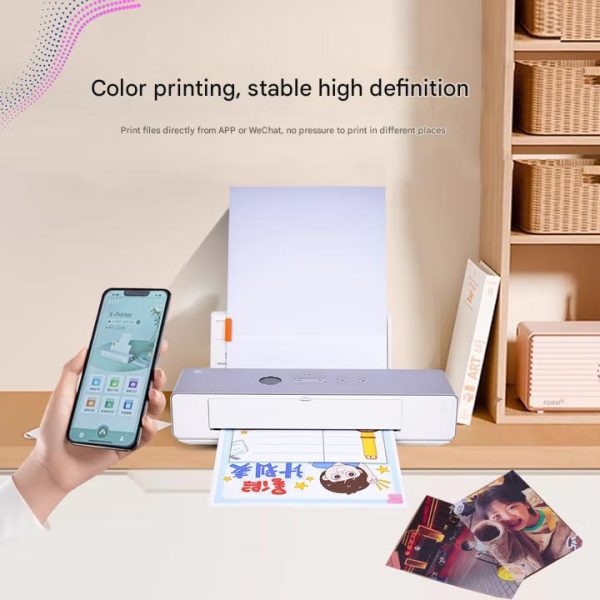
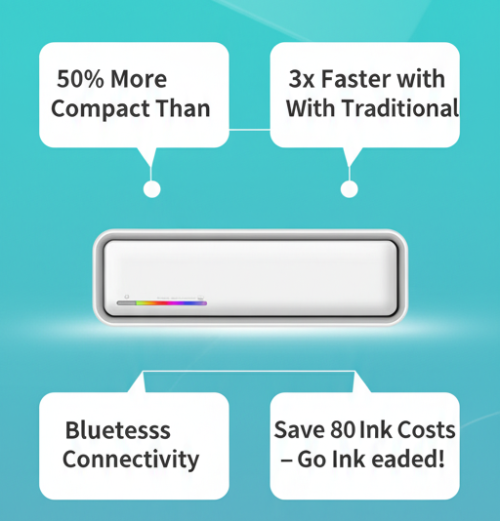
It supports multiple connection modes for seamless compatibility with various devices, delivers stable, efficient performance, and features an intuitive interface for simple operation. Backed by reliable after-sales support, it’s ideal for both personal and professional use.
Shipment processing time:
Orders placed on working days or on holidays including weekends will be processed within following 3 working days.
We do not process, ship or deliver orders on weekends or holidays.
Shipping rates & delivery estimates:
We offer USPS, EMS as default express.
Estimated shipping time is 7-25 business days, which mostly depends on the delivery countries.
All orders over $100 are defaulted free shipment.
Customs, Duties and Taxes:
Your package may be assessed local taxes, duties, etc. upon arrival. The shipping firm that delivers the package may likewise impose additional brokerage fees or other surcharges as part of the customs and tax process. The recipient is responsible for paying all duties, taxes, fees, and international costs.
10-Day Satisfaction Guarantee on All Products
All new products you purchase from FAIBUY are satisfaction guaranteed. If any product fails to meet your reasonable expectations, it may be returned for replacement or refund less shipping. The product must be returned in the original packaging within the 30-day period. Your return label will require you to return the item at your own expense. If you return a defective, damaged or incorrect item, you won't be refunded. It can take up to 30 days for an item to reach us once you return it. Please contact us to get the return address. Once the item is received at our warehouse, it takes 3-5 business days for the refund amount to show up in your account.
1-Year Limited Warranty on FAIBUY Products
Along with the guarantee, FAIBUY warrants all products & accessories against manufacturing defects in materials and workmanship under normal consumer use for a period of 1-Year from the date of original purchase. During this warranty period, if a defect arises in the product, and you follow the proper instructions for returning the product, we will repair or replace your product. Replacements will be the same model as originally purchased; every attempt to replace the same color will be made. This limited 1 year warranty applies to any repair, replacement part or replacement product for the remainder of the original warranty period.
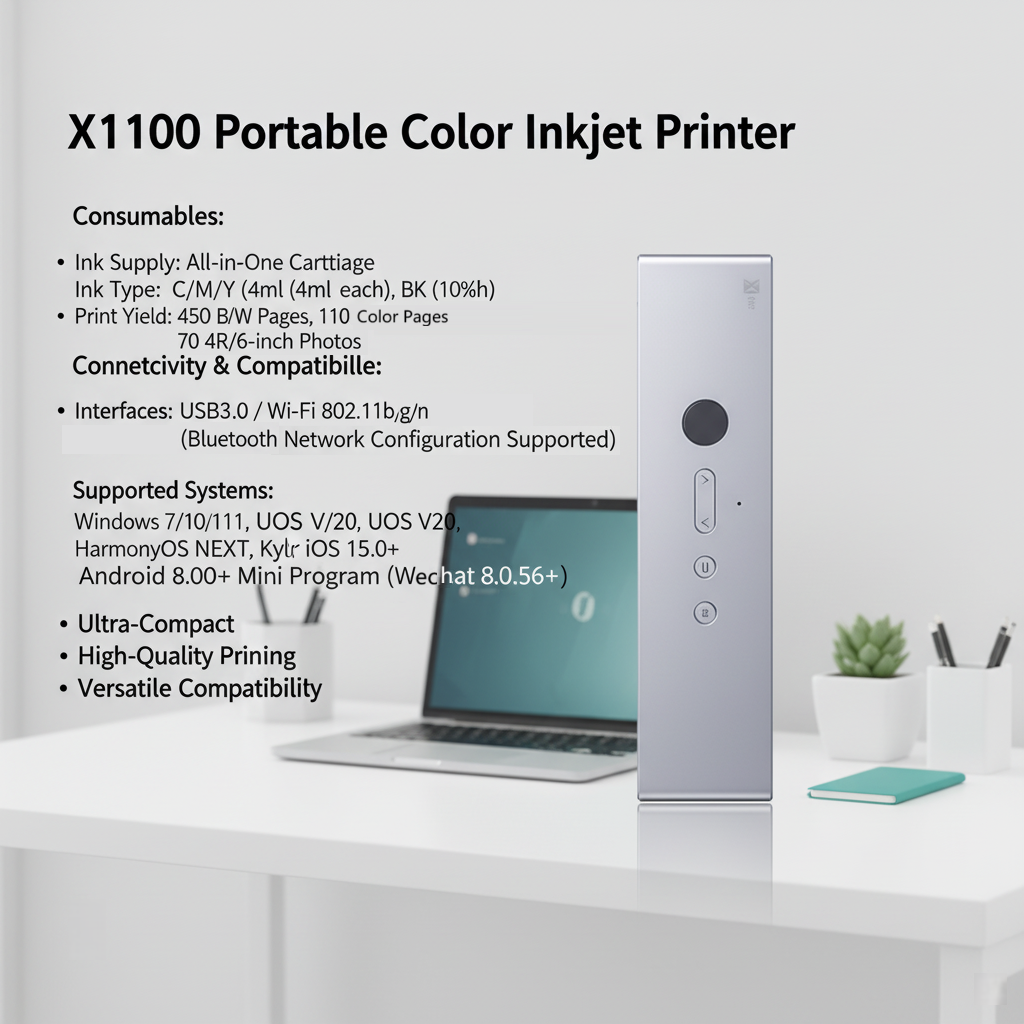
– Data Interface: USB3.0 / Wi-Fi 802.11b/g/n (Bluetooth network configuration supported) – Computer: Windows 7 sp1 (32-bit/64-bit), Windows 10 (32-bit/64-bit), Windows 11 (64-bit) Domestic OS: UOS V20 (64-bit), Kylin V10 sp1 (64-bit), Kylin V4 (64-bit) HarmonyOS NEXT – Mobile Phone: iOS 15.0 and above Android 8 and above HarmonyOS NEXT WeChat Mini Program (for WeChat 8.0.56 and above)
How Does X1100W Compare?
FAIBUY X1100W vs. Leading Portable Inkjet Printers on the Market
* Competitor data based on publicly available market information. Specifications may vary by region and configuration.
Specification
FAIBUY X1100W
Brand A
Leading Japanese Brand
Brand B
Leading US Brand
Pricing
Retail Price (MSRP)
$299 BEST VALUE
~$449
~$340
Ink / Running Cost
Cost per Page — Color
~$0.22 LOWEST
~$0.80
~$0.60
Cost per Page — B&W
~$0.05 LOWEST
~$0.20
~$0.18
4R Photo Cost / Print
~$0.35
N/A
N/A
Portability
Weight (with battery)
1.1 kg LIGHTEST
2.2 kg
1.9 kg
Battery Life
200+ pages 2–4× MORE
~100 pages
~180 pages
Charging Port
USB-C (Universal)
Micro-USB
Micro-USB
Connectivity & Compatibility
Wireless Printing
Wi-Fi + AirPrint + Mopria
Wi-Fi
Wi-Fi
OS Support
Windows / macOS / iOS / Android / HarmonyOS
Windows / macOS
Windows / iOS / Android
Business / B2B
OEM / Custom Branding
✓ Available (MOQ 500)
✗ Not available
✗ Not available
Certifications
CE · FCC · RoHS
CE · FCC
CE · FCC
Lead Time (OEM)
25–35 days
Not offered
Not offered
Notes: ① Ink cost calculated based on official cartridge yield data (B&W: 450 pages, Color: 110 pages, 4R Photo: 70 prints) at cartridge price ¥179 CNY (~$24.7 USD at 7.25 exchange rate). ② “Brand A” refers to a leading Japanese brand in the portable inkjet segment; “Brand B” refers to a leading US brand. ③ Competitor prices are approximate market reference values and may vary by region and retailer. ④ All FAIBUY prices are FOB China. Shipping, duties, and local taxes are additional.
8 reviews for Portable Color Inkjet Printer X1100
Sarah Johnson –
The X1100 printer is a lifesaver for my small business! Super easy to set up and the print quality is amazing.
David Wilson –
Got this for on-the-go printing during my road trips. Works like a charm every time.
Emily Taylor –
Love how compact it is. Fits right in my bag, and the battery lasts long enough for my needs….
Michael Brown –
Print quality is sharp, even for photos!!Definitely worth the price.
Jessica Miller –
Had a small issue with setup, but customer service helped me out quickly. Great support!
James Anderson –
Been using it for a week now, no problems at all. Prints fast and reliably.
Olivia Thomas –
the wireless connection is so convenient. Can print from my phone without any hassle.
William Jackson –
Perfect for printing documents at home. Saves me trips to the print shop.











Sarah Johnson –
The X1100 printer is a lifesaver for my small business! Super easy to set up and the print quality is amazing.
David Wilson –
Got this for on-the-go printing during my road trips. Works like a charm every time.
Emily Taylor –
Love how compact it is. Fits right in my bag, and the battery lasts long enough for my needs….
Michael Brown –
Print quality is sharp, even for photos!!Definitely worth the price.
Jessica Miller –
Had a small issue with setup, but customer service helped me out quickly. Great support!
James Anderson –
Been using it for a week now, no problems at all. Prints fast and reliably.
Olivia Thomas –
the wireless connection is so convenient. Can print from my phone without any hassle.
William Jackson –
Perfect for printing documents at home. Saves me trips to the print shop.